
From first swipe to final look
Reveal the product, show the technique, and let the finish speak.
Beauty templates
10 templates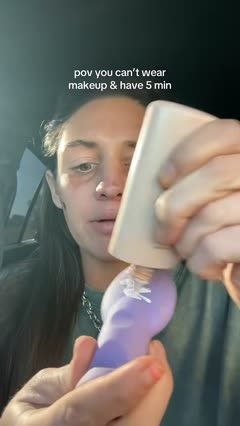
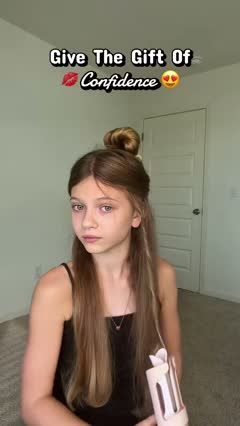
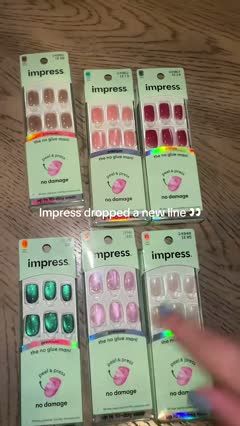 Problem → solutionPress-On Nail Collection Color Tour3 scenes · 22s
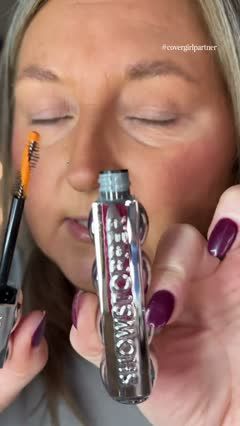 Product launchTikTok New Mascara Brush & Application Review5 scenes · 112s
 Product launchMascara Application and Water Challenge6 scenes · 97s
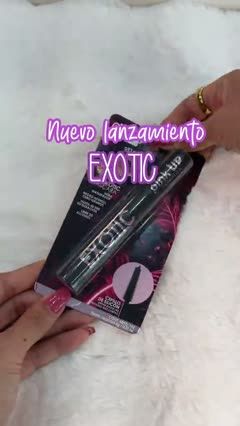 Product launchMascara and Remover Macro Unboxing3 scenes · 18s
 TestimonialWedding Hairbrush Rescue Skit6 scenes · 88s
 Product launchLayer Cake Cut-Section Seller Presentation3 scenes · 18s
How to choose the right beauty video template
Match the template to what shoppers want to inspect: a new product feature, the shade and finish, or the technique needed to create a look.
Best for
For ecommerce sellers of makeup, brushes, applicators, and beauty kits who want to introduce a product, help shoppers choose a shade, or demonstrate how to create a look.
What to highlight
Focus on the feature that guides the purchase: shade, coverage, finish, applicator design, or ease of use. Keep lighting consistent and show the relevant swatch, application, or finished look clearly.
What you’ll need
Prepare product images, shade names, and swatch or application visuals that match the featured item. Tutorials also need the relevant tools and a clear view of the technique; comparisons need consistent lighting and similar application amounts.
Beauty template FAQs
Can I use a beauty template without showing a full face?
Yes. Hand swatches, tool demonstrations, product close-ups, and tightly framed application shots can work. Show the relevant area when the point is how the product looks when worn.
Should I show one shade or several?
Use one shade when demonstrating application or building a specific look. Show several when helping viewers choose a color, keeping the surface, lighting, and amount applied consistent.
What if I only have packaging photos?
Choose a product reveal or collection showcase. For a tutorial or finish comparison, add visuals of the actual application or swatches so viewers can see what the packaging alone cannot show.