
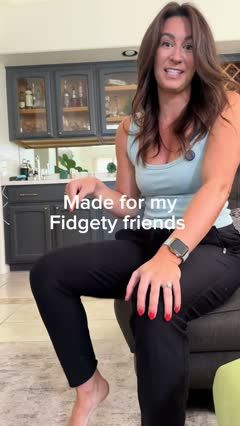
 Product launchFidget-Friendly Hoodie Feature Tour4 scenes · 39s
Clothing that moves with you
Make fit, fabric, and styling the reason to stop scrolling.
Clothing templates
6 templatesProduct launchFidget-Friendly Hoodie Feature Tour4 scenes · 39s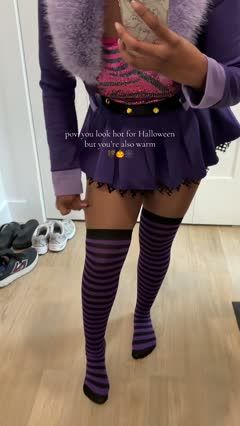 Product launchCostume Leggings Shade Comparison4 scenes · 50s
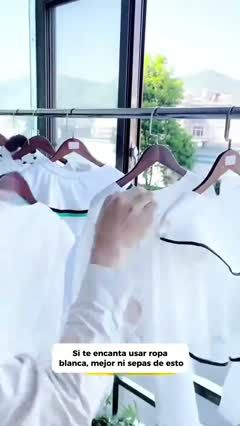 Problem → solutionLaundry Soak and Cleaning Montage5 scenes · 40s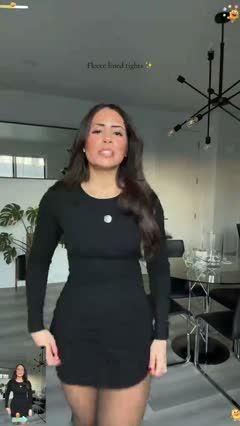
 Problem → solutionFuzzy Hoodie Outdoor Fit Clip2 scenes · 8s
How to choose the right clothing video template
Start with the question shoppers need answered: how the garment fits, how they can style it, or what the fabric feels like in motion.
Best for
For ecommerce sellers of everyday basics, activewear, dresses, knitwear, and outerwear who want to help shoppers picture how a garment looks, fits, and works in their wardrobe.
What to highlight
Focus on the details shoppers cannot judge from a product photo alone: fit on the body, movement, fabric texture, and styling possibilities. Choose one main selling point and make it easy to see throughout the video.
What you’ll need
Prepare clear product images, accurate size and fabric information, and visuals that support your chosen selling point. Use try-on footage for fit, close-ups for fabric details, or a few coordinated outfits for styling.
Clothing template FAQs
Which clothing templates work without showing a face?
Flat lays, hands-only fabric demonstrations, and outfit shots cropped below the face can all work. Choose full-body framing when fit or overall silhouette is the main point.
What if I only have clothing product photos?
Choose a product showcase or outfit-board concept built around still images. A try-on or movement concept needs visuals that actually show the garment being worn; a flat product photo alone does not demonstrate fit.
Should I feature one garment or a whole collection?
Focus on one garment when explaining fit, fabric, or several ways to style it. Use a collection concept when the relationship between pieces matters, such as coordinated outfits or a seasonal edit.