
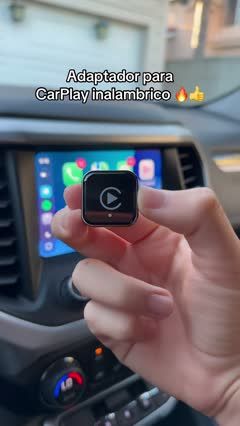
 ExplainerWireless CarPlay Adapter Setup Walkthrough4 scenes · 28s
Tech video templates
Demonstrate one useful feature in a recognizable everyday situation.
Tech templates
6 templatesExplainerWireless CarPlay Adapter Setup Walkthrough4 scenes · 28s
 ExplainerRed Privacy Protector Angle and Install Demo4 scenes · 21s
 NostalgiaRetro Game Stick Unboxing to Gameplay4 scenes · 23s
How to choose a tech video template
Best for
For sellers of phone accessories, car displays, audio equipment, lighting, and small electronics whose value becomes clear when a feature is shown in use.
What to highlight
Choose one task the product helps a shopper complete. Show the setup, the action, and the visible result in sequence, with the device and controls close enough to understand.
What you’ll need
Prepare a working product, its current specifications, a compatible device, and a clear view of any connections or controls. Confirm compatibility and which accessories are included before adding those details to the script.
Tech template FAQs
Which feature should lead a tech product video?
Start with the feature that answers the shopper’s main question. A clear demonstration of one useful task is easier to follow than a rapid list of specifications.
Should I include setup instructions?
Include the steps that affect a purchase decision, such as power, mounting, or phone compatibility. Use close-ups for small ports and controls.
Can I use a comparison template?
Yes, when both products perform the same task under comparable conditions. State the settings and show the result without implying that an untested feature has been proven.