
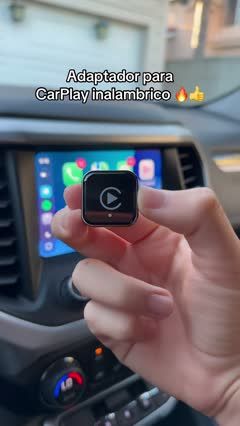
 ExplainerWireless CarPlay Adapter Setup Walkthrough4 scenes · 28s
Explainer video templates
Break a useful technique or product feature into a clear sequence.
Explainer templates
8 templatesExplainerWireless CarPlay Adapter Setup Walkthrough4 scenes · 28s ExplainerDoor and Window Seal Installation Montage4 scenes · 35s
 ExplainerCar Vacuum Lift Stunt and Crevice Cleanup5 scenes · 57s
 ExplainerPellet Patio Heater Cleaning Walkthrough7 scenes · 220s
 ExplainerRed Privacy Protector Angle and Install Demo4 scenes · 21s
 ExplainerMesh Chair Assembly from Box to Finish7 scenes · 73s
 ExplainerOffice Chair Adjustment Walkthrough6 scenes · 71s
How to choose a explainer video template
Best for
For sellers of products with setup steps, multiple parts, a repeatable routine, or a feature that shoppers need to understand before buying.
What to highlight
Arrange the explanation in the order a person would use the product. Show each important action and the result it produces, keeping the camera close to the detail being explained.
What you’ll need
Prepare the product instructions, all parts needed for the demonstration, and footage of each step. Confirm labels, compatibility, and sequence before adding captions or voiceover.
Explainer template FAQs
How many steps should an explainer include?
Include the steps needed to understand the chosen task. Group small actions when they can be shown clearly together, and give difficult steps their own shot.
Can an explainer work without voiceover?
Yes. Use a clear sequence of actions with concise on-screen instructions where needed. Check that a viewer can follow the process without hearing narration.
Should I explain every feature?
Choose one task or question for a short video. Separate unrelated features into additional videos so each explanation stays easy to follow.